Max Capacity: 18
Room Technology Updated: Summer 2026

This is an OIT computer lab. OIT supports the computers in this lab. For help with this lab, please put in a request with the OIT HelpDesk at this address.
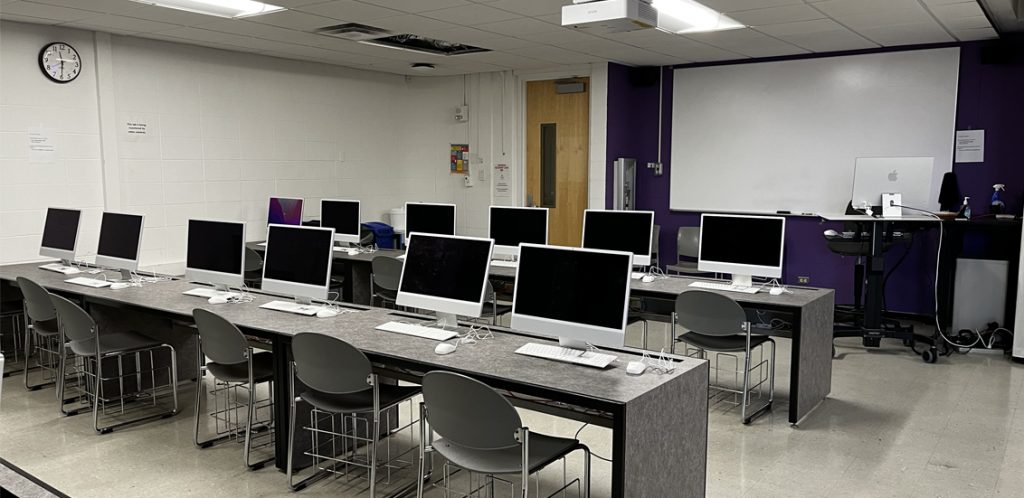
Max Capacity: 18
Room Technology Updated: Summer 2026
This is an OIT computer lab. OIT supports the computers in this lab. For help with this lab, please put in a request with the OIT HelpDesk at this address.

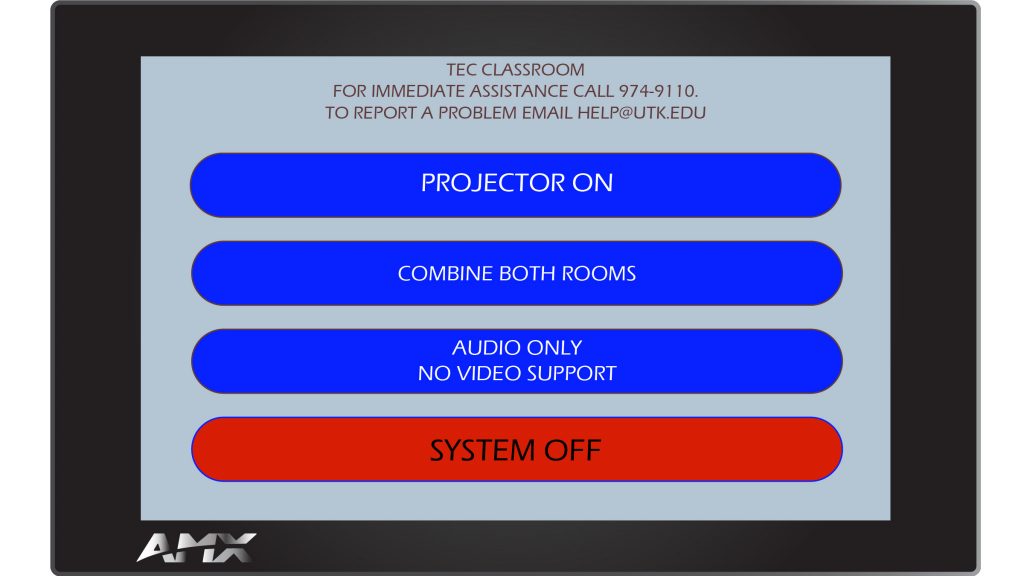
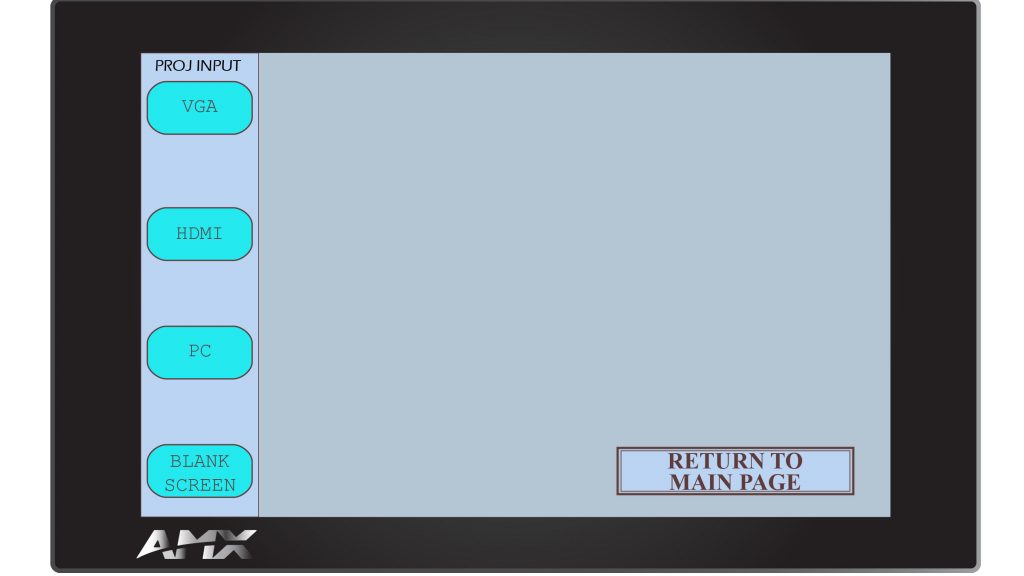
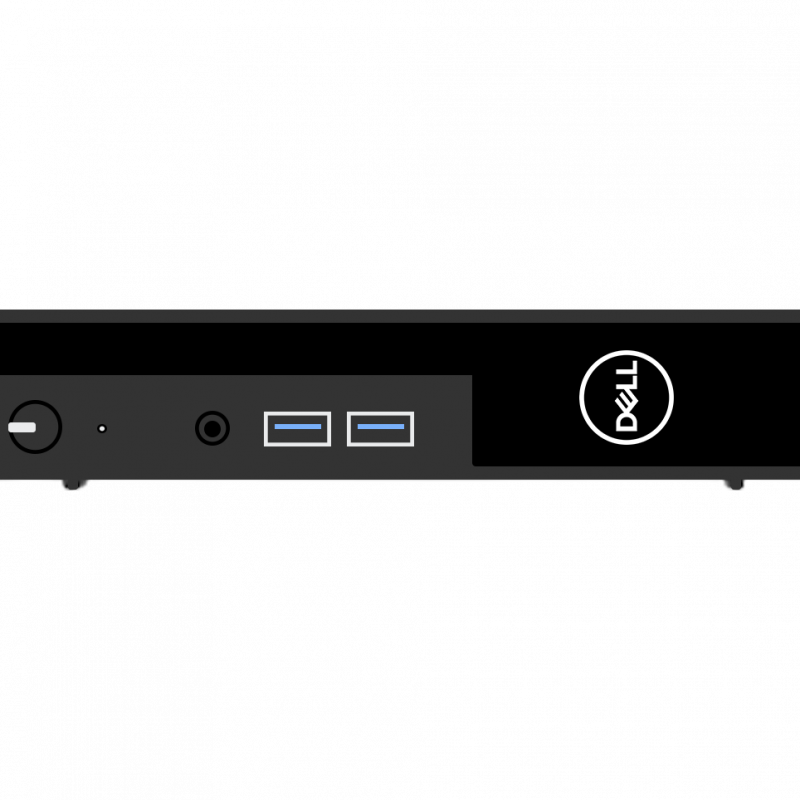
Some rooms on campus have supplied computers in the classroom. The computer in this room is supplied by OIT. Log into the computer using your NetID and password.
MORE INFO COMING
The flagship campus of the University of Tennessee System and partner in the Tennessee Transfer Pathway.