AMX Style 17
Display on Projector Screen:
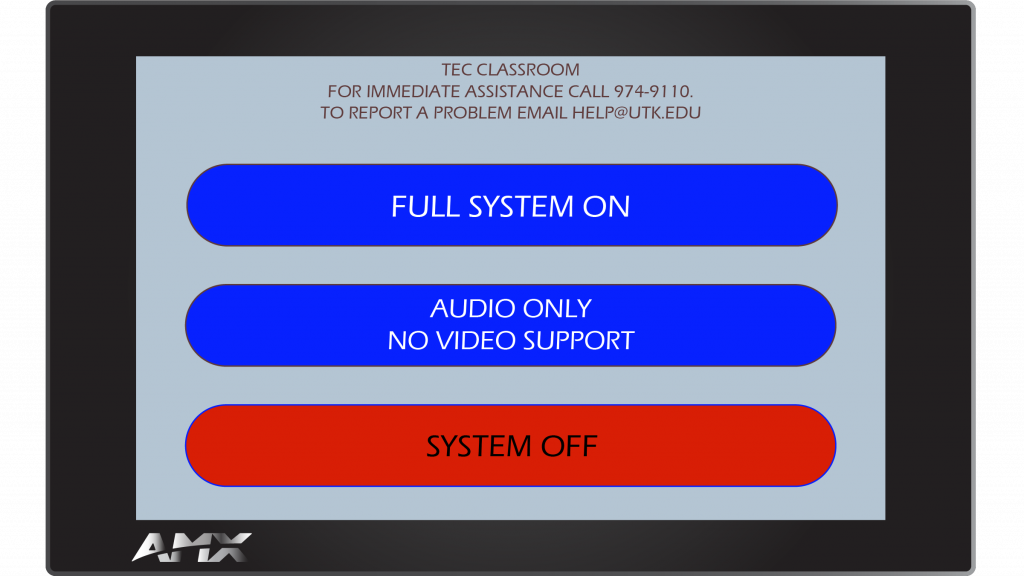
- Tap Full System On.
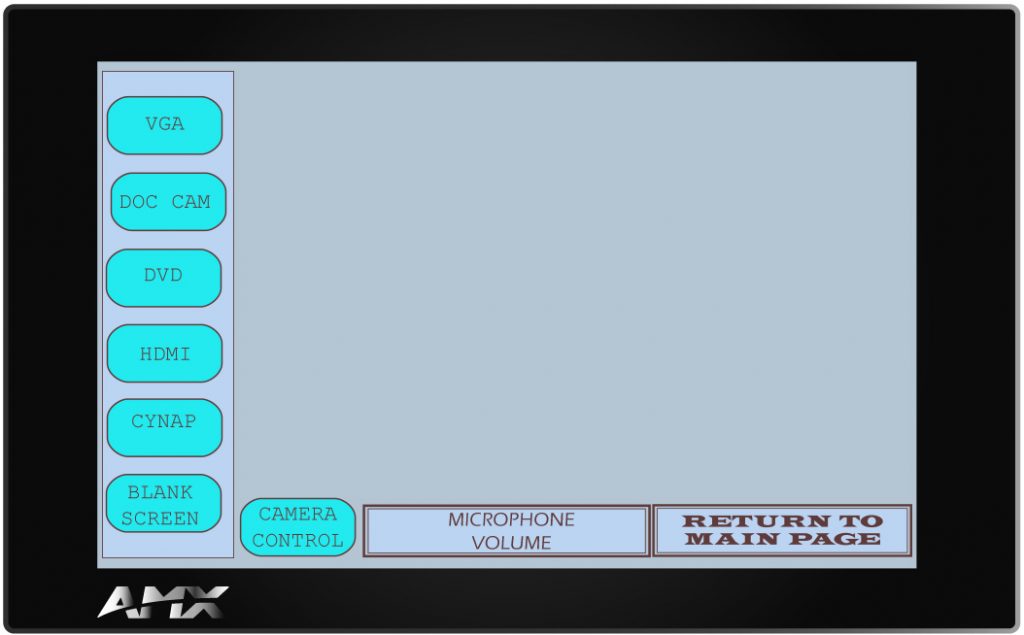
- From the menu on the left, choose the input or device you wish to display on the projector screen.
When Finished
- Tap Return to Main Page.
- Choose System Off.
For more information and basic troubleshooting, go to the Technology Training area.