Room Technology Updated: Summer 2025
- Note: This room was combined with room 112 to make one long room. It has two doors. One is marked 112 and the other is marked 114.
Max Capacity: 25


Room Technology Updated: Summer 2025
Max Capacity: 25
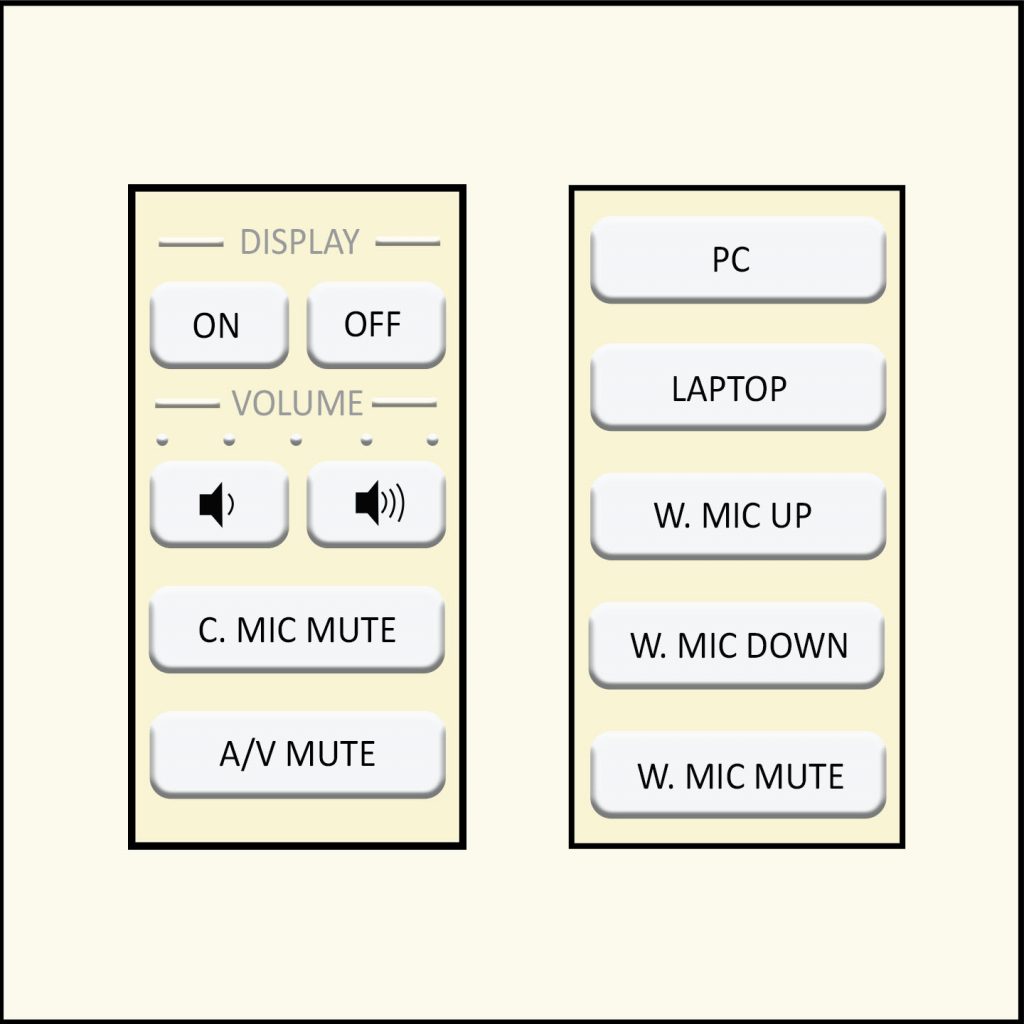
Please see the Classroom Access site for an image of the control panel. Style 12 is a similar layout but does not have the same options.
The flagship campus of the University of Tennessee System and partner in the Tennessee Transfer Pathway.