Law 338 – Departmental Classroom
Your Room Contains
Classroom Resources:Instructor Resources:
- Control Panel: Style 1
- Cables:
How To...

Display on Screen:
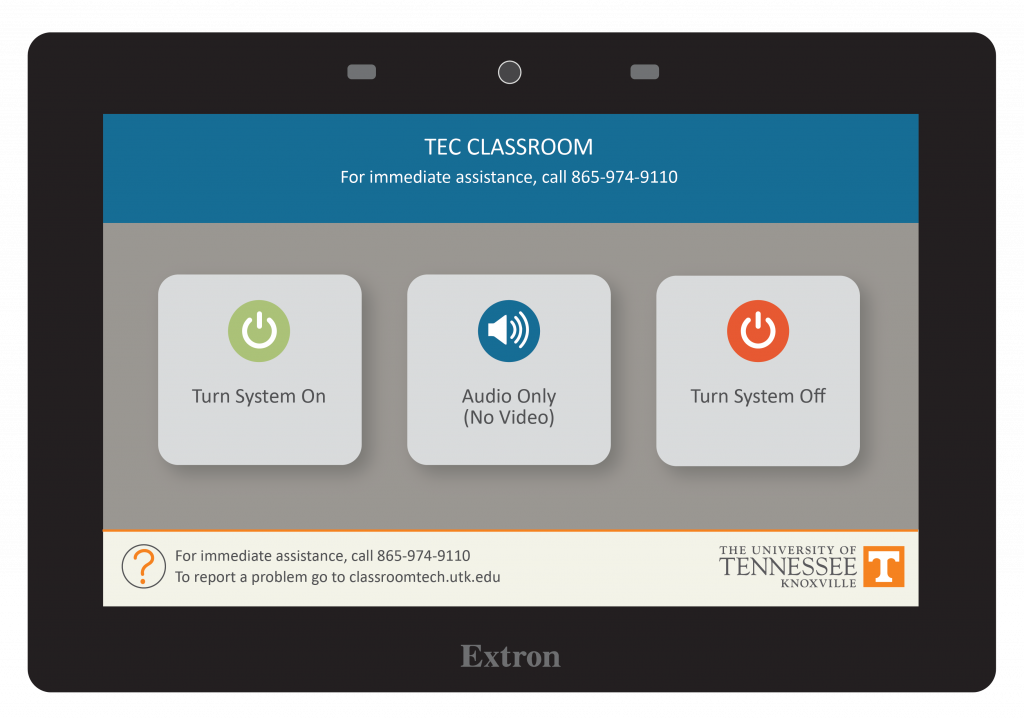
- Tap Turn System On
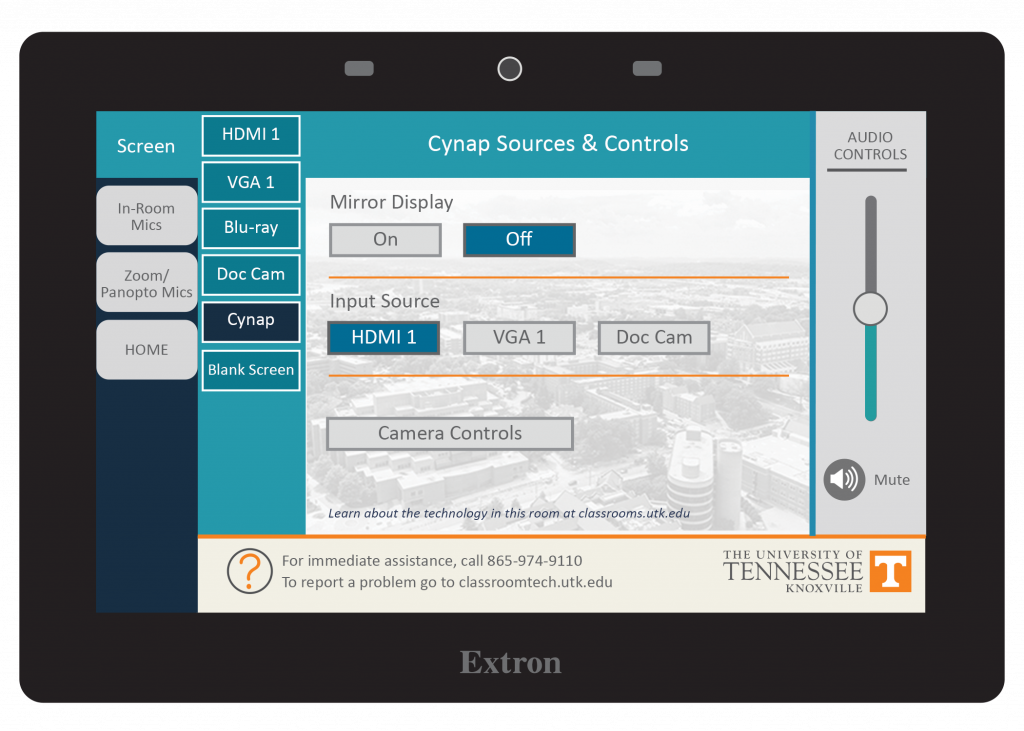
- Tap Screen
- Choose the device you wish to display on the screen such as a laptop connected to HDMI 1 or VGA 1, the Blu-ray player, Doc Cam, or Cynap.
Note: the Blank Screen option will stop the currently selected image from projecting.
When Finished
- Tap Home
- Choose Turn System Off