Style 1 HDMI Only
Display on Screen:
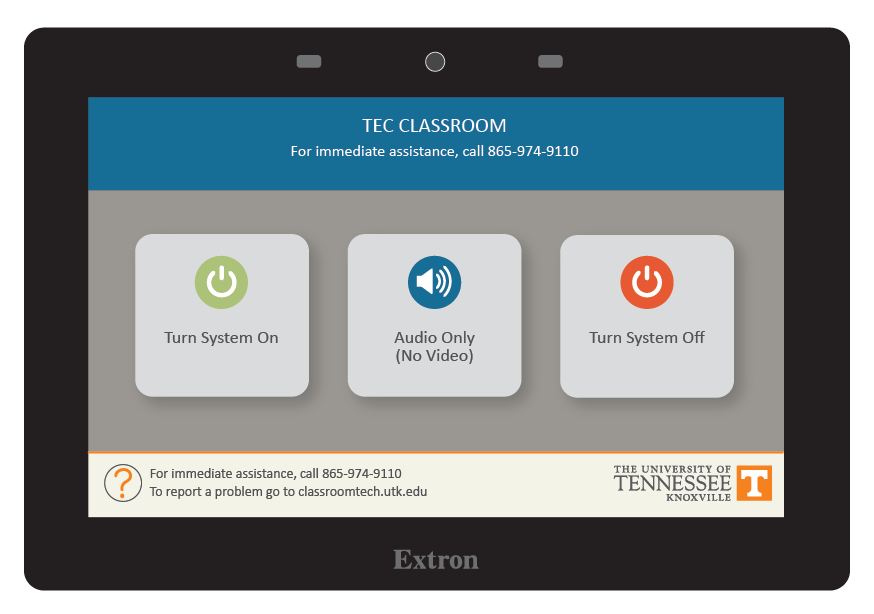
- Tap Turn System On
- Tap Turn System On
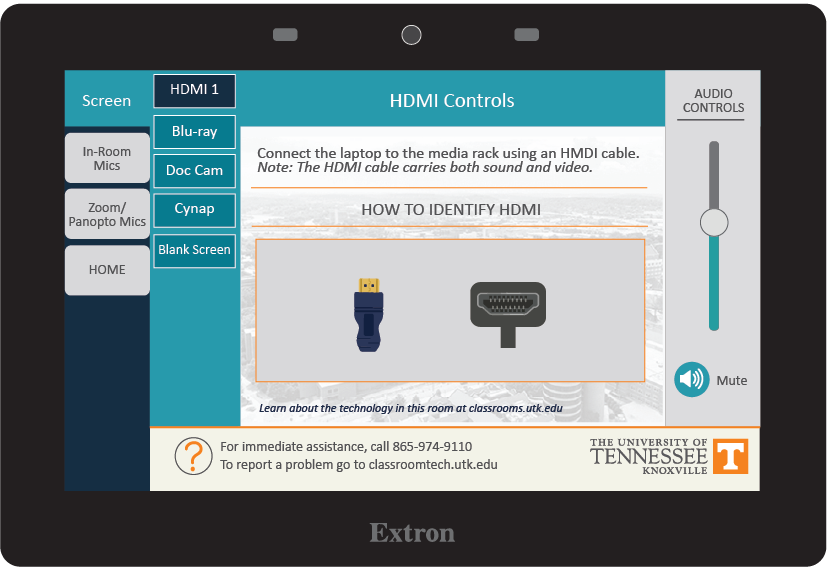
- Tap Screen
- Choose the device you wish to display on the screen, such as a laptop connected to HDMI 1, the Blu-ray player, Doc Cam, or Cynap.
Note: The Blank Screen option will stop the currently selected image from projecting.
When Finished
- Tap Home
- Choose Turn System Off