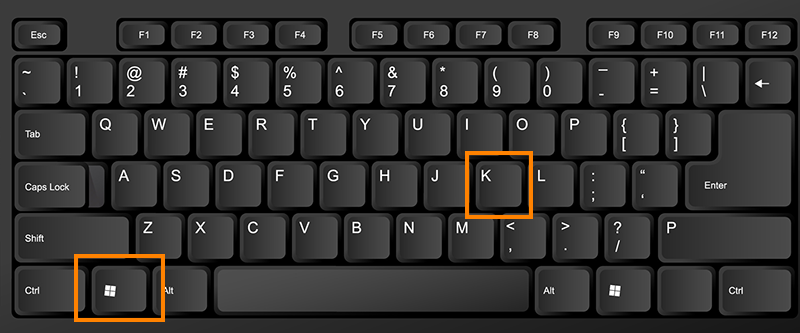
Step 1: Use the Windows Key and the K Key to access the Cast Menu.
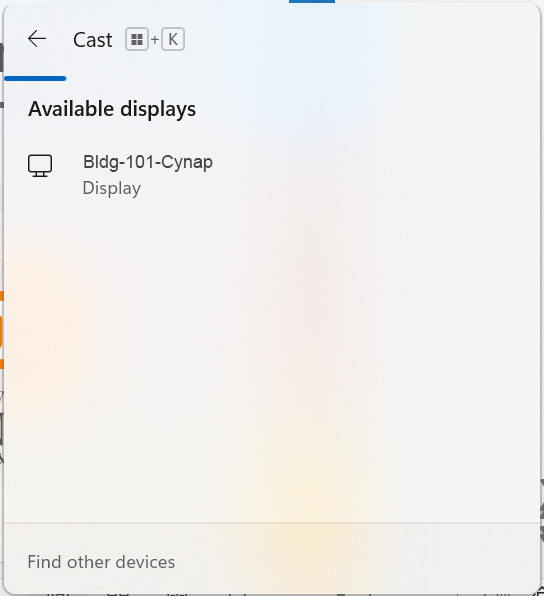
Step 2: Select the Cynap for your room.
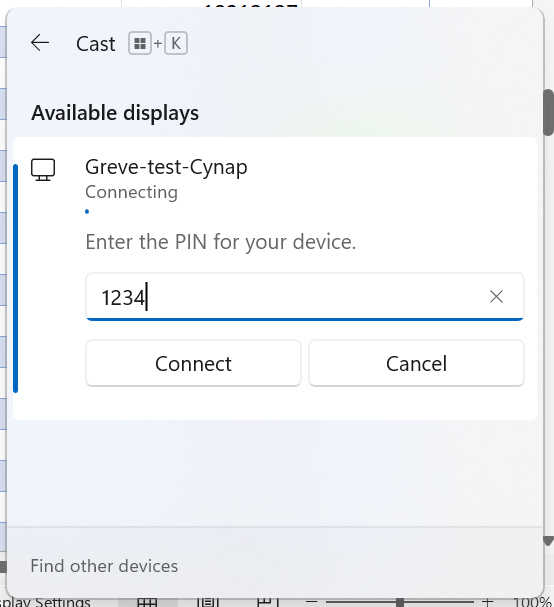
Step 3: Enter the pin code for the Cynap in your room.
This 4-digit code will appear at the top of the Cynap screen.
Step 1: Use the Windows Key and the K Key to access the Cast Menu.
Step 2: Select the Cynap for your room.
Step 3: Enter the pin code for the Cynap in your room.
This 4-digit code will appear at the top of the Cynap screen.