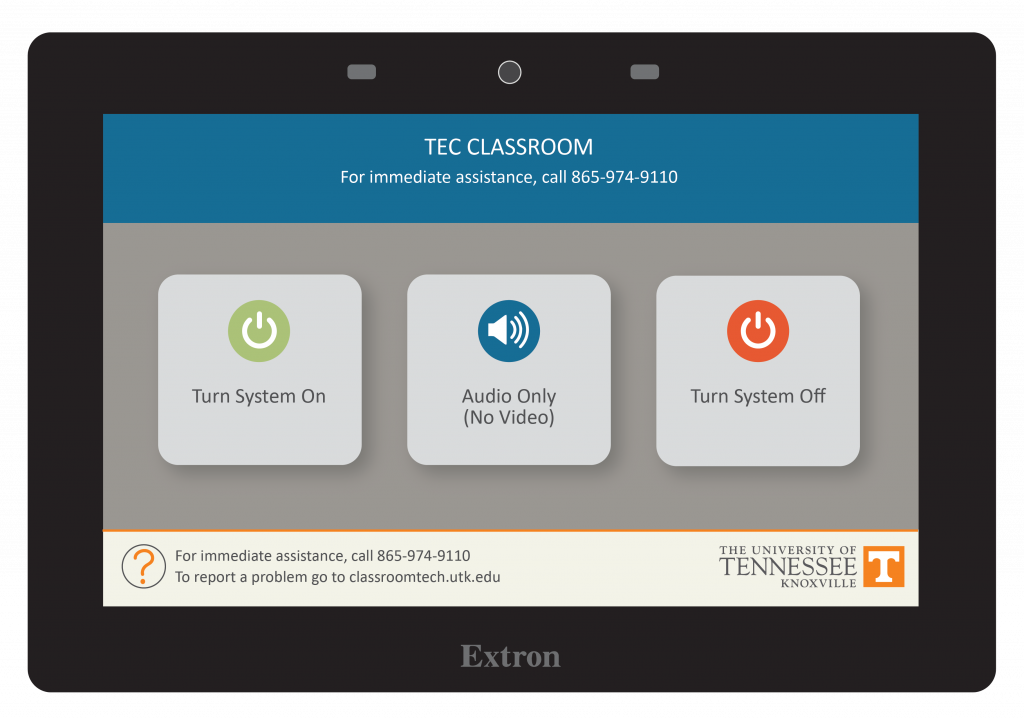
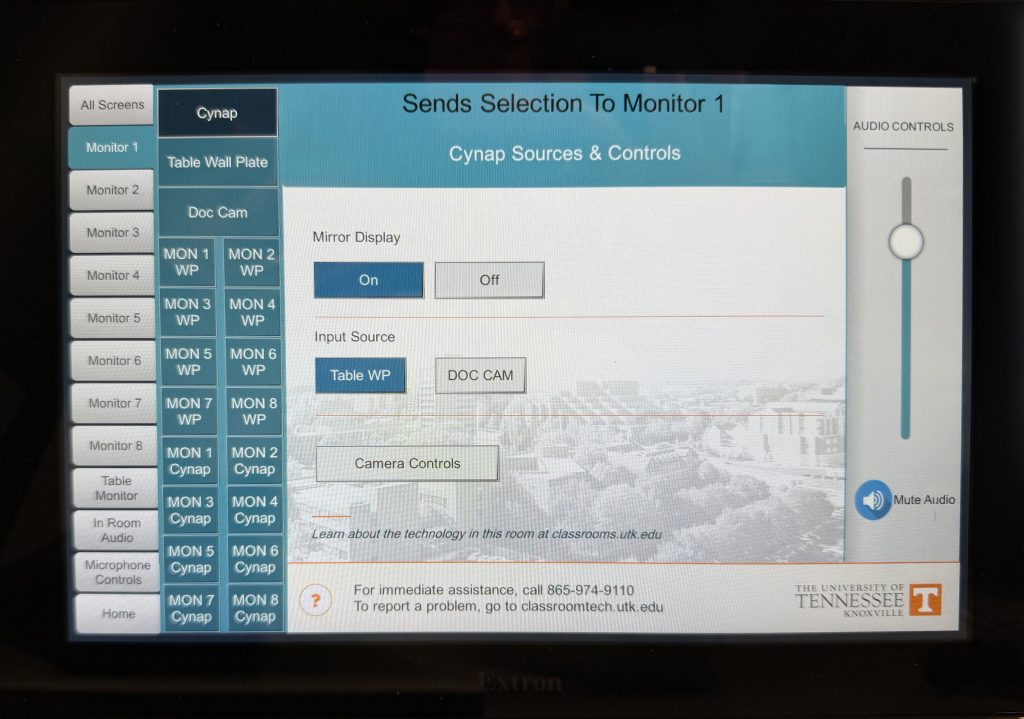
Tap the button for how you wish to display the screens.
All Screens – will put the same image on all screens.
Choosing Monitor 1 – 8 individually will allow you to put a different image on each screen.
Under the screen choice you picked, choose the device you wish to display on the screen such as a laptop connected to an USB-C or HDMI cable via the Wall Plate that is on the desk, Doc Cam or Cynap.
If choosing different images on each screen, ensure you choose In Room Audio to choose which screen’s audio will be heard in the room.